

How to Create an API key
1
Navigate to API Settings
Log in to your dashboard and navigate to Settings > API keys to view your current keys.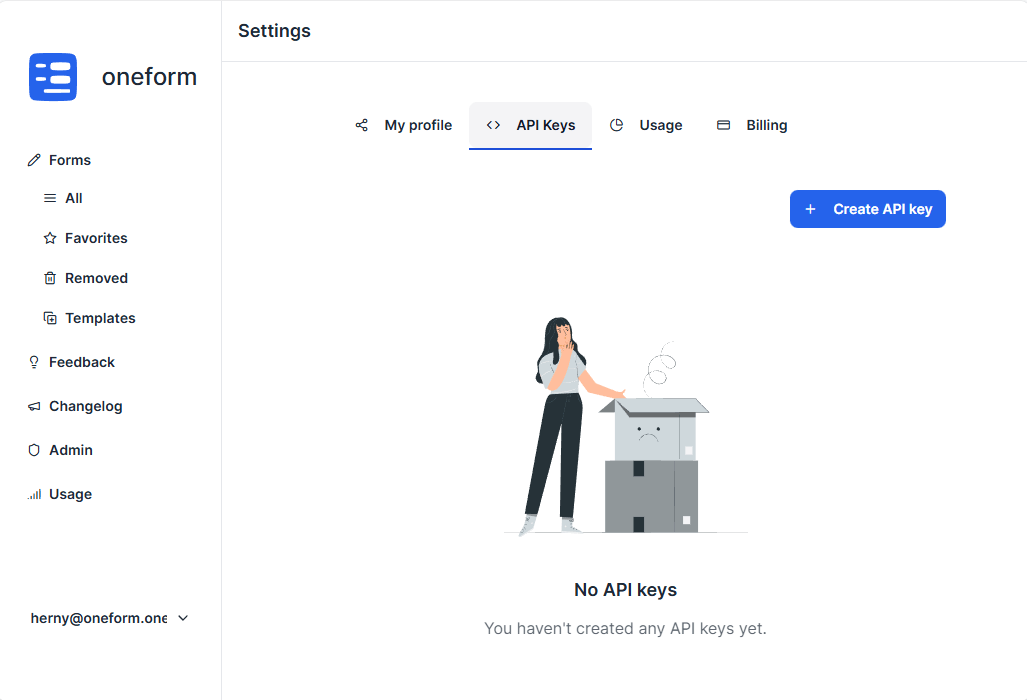
2
Generate a New Key
Click the “Create API key” button to generate a new token.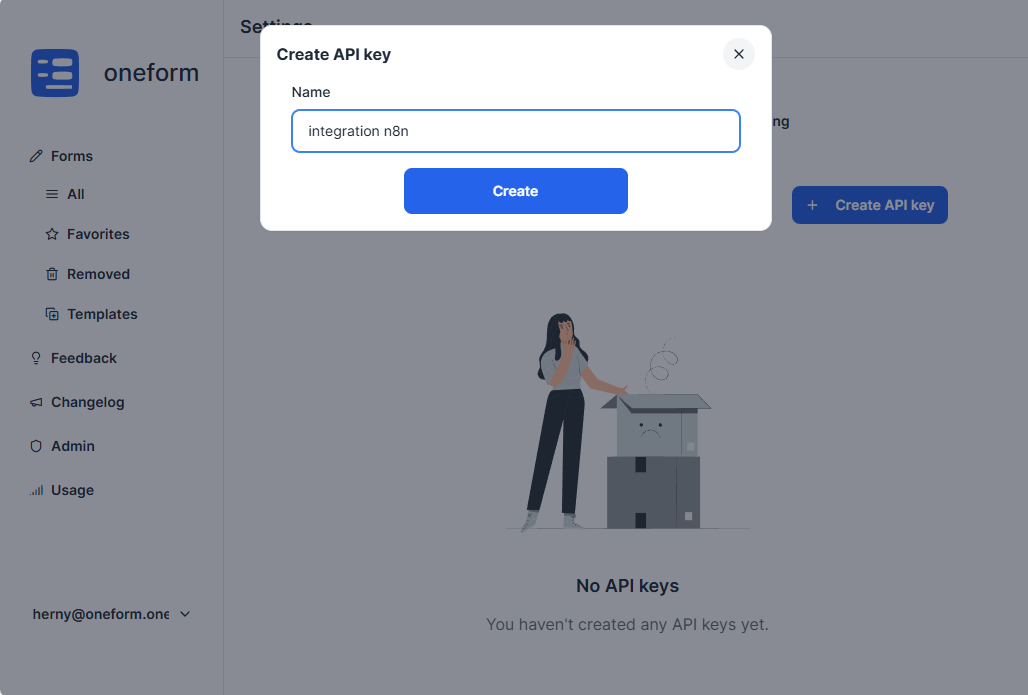
You can generate separate API keys for each integration. This allows you to revoke specific keys when they are no longer needed without affecting your other integrations.
3
Secure Your API Key
Copy your new API key immediately and store it in a secure location, such as a password manager or environment variable. For security purposes, the key will not be shown again. If you lose it, you will need to generate a new one.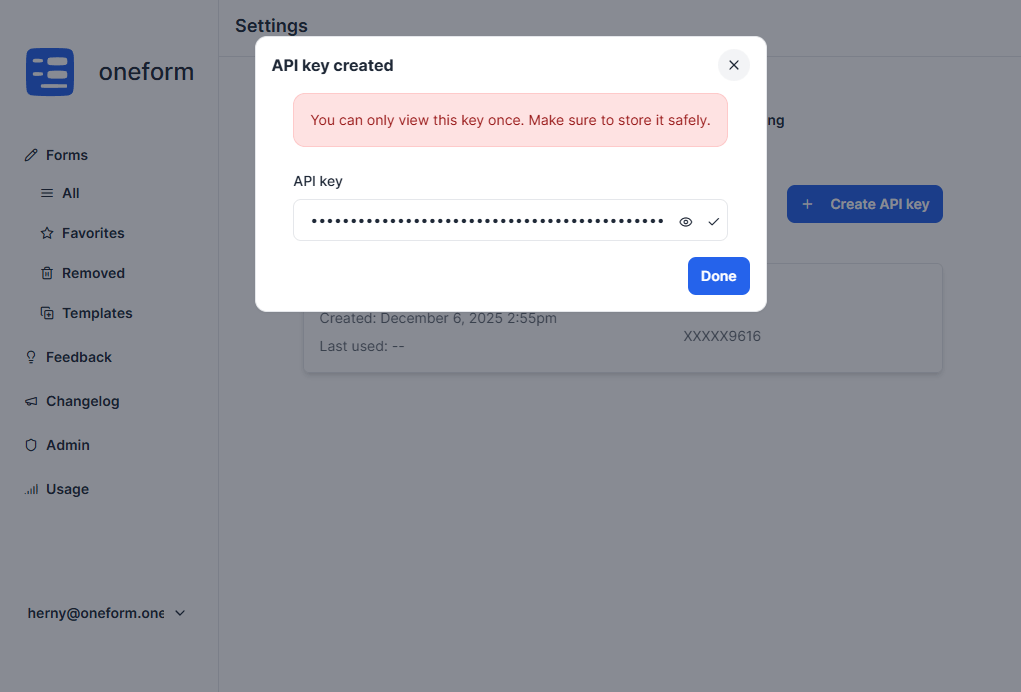
4
Authenticate Requests
Use your API key to authenticate your API requests. Include it as a Bearer token in the
Authorization header of your HTTP requests.